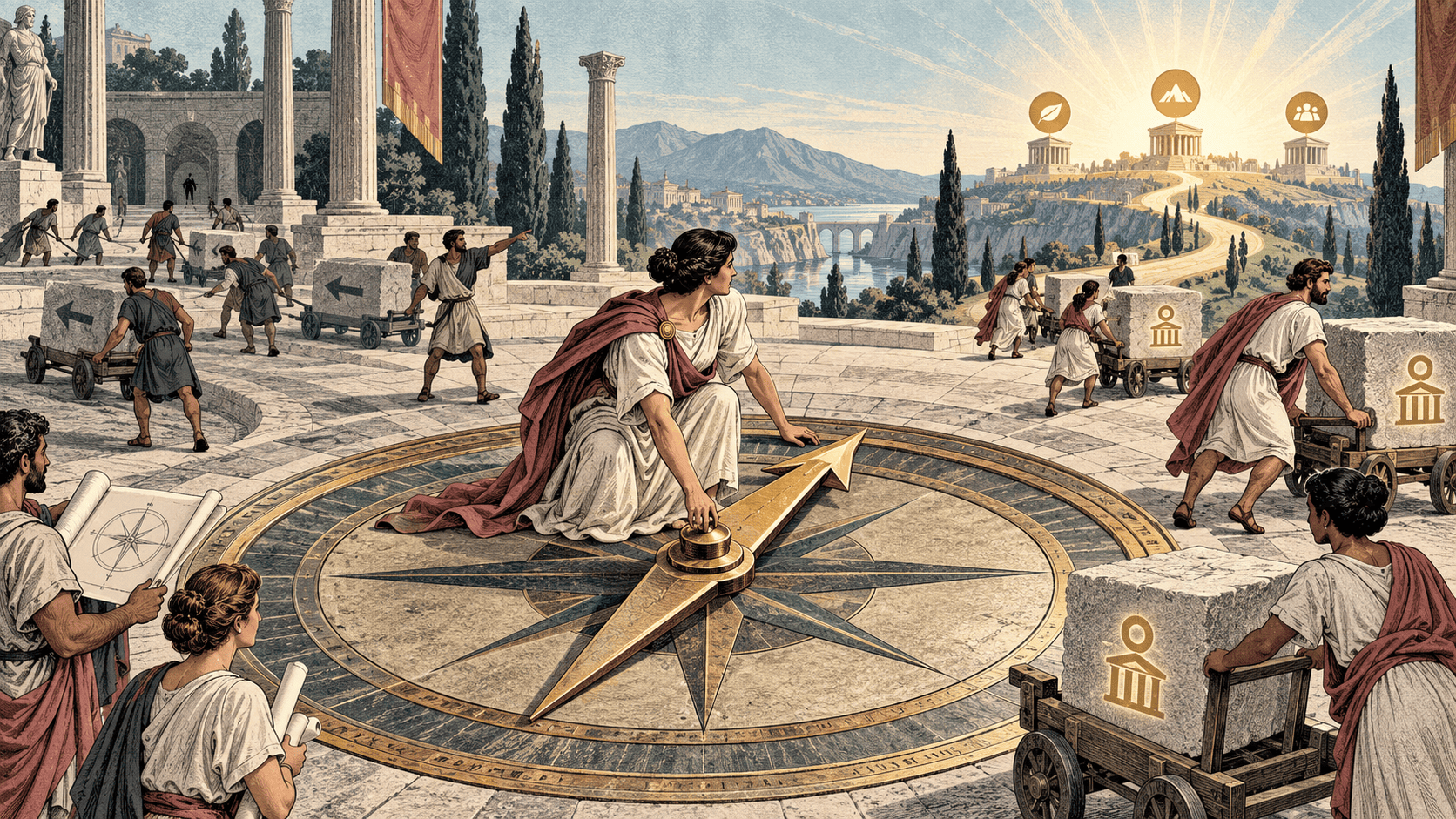
Most project management buying guides ask which tool fits your methodology: Agile, Kanban, Waterfall. That's the right question for a delivery lead choosing a tool for their team. It's the wrong first question for a COO or head of strategy choosing a system meant to show leadership whether the company is actually moving toward its targets.
The gap shows up in a predictable place. Most project management tools do a reasonable job helping individual teams track work, but visibility above that level becomes fragmented, and as soon as organizations need cross-team alignment, portfolio-level insight, or executive clarity, additional tooling starts appearing. A COO evaluating tools should ask about that ceiling before asking about boards and automations.
Why Task Tools Top Out at Team Level
The core issue isn't a missing feature, it's a missing opinion. Most configurable project tools deliver infinite configuration with no guidance on tradeoffs and no shared definition of success, which means the organization ends up buying a framework it has to build a system inside, rather than buying the system itself. For an individual team, that flexibility is fine. For a COO trying to see whether cross-functional work is actually moving the operating plan, it becomes the exact problem.
What a COO or Head of Strategy Actually Needs to See
A task tool answers "what is my team working on." A COO or head of strategy needs a different question answered: "is the work happening across every team still connected to the outcome it was supposed to produce, and where is that connection breaking."
- Line of sight from priority to task. Not just a list of projects, but a visible thread from each piece of work back to the strategic priority it serves.
- Named ownership at every level. Every objective and KPI should have a named owner, not a department, since department-level ownership is how accountability quietly disappears.
- A single source of truth. Fragmented strategy infrastructure, where objectives live in a slide deck, KPIs in a spreadsheet, and initiative status in a project tool, is one of the most common and most expensive execution problems, since alignment then requires constant manual reconciliation.
- Drift visible before the quarterly review. Not a status color that only gets updated when someone remembers to, but a live read on whether the current pace will actually land the target.
The Evaluation Criteria That Matter at This Level
Standard buying guides emphasize ease of use, budget, security, and collaboration features. Those criteria matter, but they answer whether a team will adopt the tool, not whether leadership will be able to see the truth through it. A COO needs a sixth criterion most guides don't mention: does the tool connect what teams are doing back to the measures leadership is actually accountable for, automatically, not through a manually maintained spreadsheet layered on top.
How to Choose, Step by Step
Step 1: Separate the team-level question from the leadership-level question
Decide first whether you're solving "how does my team track its work" or "how does leadership see whether the company is on track." Most tools on the market solve the first problem well. Far fewer solve the second.
Step 2: Test whether the tool can trace a task back to a strategic priority
During any trial, pick one real priority and try to trace it all the way down to the individual actions meant to move it, then back up to see whether progress on those actions actually updates the priority's status. If that thread doesn't exist natively, the tool is a task tracker wearing strategy language.
Step 3: Check whether ownership survives a reorg or a departure
Ask what happens to a priority's context when the owner leaves or changes roles. A tool built around individual task assignments often loses the thread here, while a tool built around named ownership at the priority level should let a new owner pick up the full history.
Step 4: Look for pace-based tracking, not just status updates
A measure that looks green today and will miss in ninety days is more useful flagged now than discovered at the quarterly review. Throughline's Measures feature scores every number on pace against the rate it would need to hit the target, not just where it sits today, so a slipping number gets flagged in month one of the quarter instead of month three.
Step 5: Confirm the tool works with the strategy framework you already use
Whether your organization runs OKRs, a Balanced Scorecard, EOS, or something else, the tool should adapt to that framework rather than forcing a rebuild. Throughline's frameworks library covers OKR, V2MOM, Balanced Scorecard, Hoshin Kanri, EOS, OGSM, 4DX, the Golden Circle, McKinsey 7S, the North Star Framework, and Scaling Up, so the agenda and the tracking match whatever method the team already runs on rather than importing a new vocabulary alongside a new tool.
Evaluation Criteria Table
| Criterion | Team-level tools | What a COO/strategy lead needs instead |
|---|---|---|
| Line of sight | Shows what a team is doing | Traces task to priority to business outcome |
| Ownership | Assigned per task | Named owner per priority, survives departures |
| Status tracking | Manually updated color | Pace-based, flags drift before it's visible |
| Framework fit | Generic boards and lists | Adapts to OKR, Balanced Scorecard, EOS, etc. |
| Source of truth | One more tool to reconcile manually | Single connected system across strategy and execution |
Quick Checklist
- Decided whether you're solving a team-level or leadership-level problem
- Tested tracing one real priority from strategy down to individual tasks
- Checked whether ownership context survives a departure or reorg
- Confirmed the tool tracks pace against target, not just current status
- Verified fit with your organization's existing strategy framework
What to say
Framing the evaluation for your team before a trial:
"Before we compare feature lists, let’s agree on the actual question: can this tool show leadership whether our priorities are on track, not just what tasks are open. That’s the bar for this evaluation."
Testing a vendor demo with a real priority:
"Can you walk me through how this priority connects down to the actions someone is doing this week, and how a slip in one of those actions would show up at the top?"
FAQ
What should a COO look for beyond standard project management features?
Line of sight from individual tasks up to strategic priorities, named ownership that survives personnel changes, and pace-based tracking rather than manually updated status colors.
Why do most project management tools work well for teams but not for leadership visibility?
They're built to help individual teams track work, and visibility above team level becomes fragmented, requiring additional tools to see cross-team or portfolio-level progress.
Should the tool match an existing strategy framework?
Yes. Whether the organization runs OKRs, EOS, or a Balanced Scorecard, the tool should adapt to that framework rather than forcing a new vocabulary alongside a new tool.
What's the risk of picking a tool based only on ease of use and price?
Those criteria predict team adoption, not whether leadership will actually be able to see the truth about strategic progress through the tool.
How can you test whether a tool provides real strategic visibility during a trial?
Pick one real priority and trace it down to individual actions and back up again, checking whether progress updates automatically flow to the priority's status.
Your Next Step
Pick one real strategic priority this week and try to trace it through your current tool, from top-level objective down to this week's tasks. If the thread breaks, that's your evaluation criteria for whatever comes next.